
Setup Guide
seerr is a free and open-source software application for managing requests for your media library. It is a fork of Overseerr, built to bring support for Jellyfin and Emby media servers!
App Installation
Section titled “App Installation”- Most of the settings can be left at their default values, but ensure that you have set the correct timezone.
seerr Initial Setup
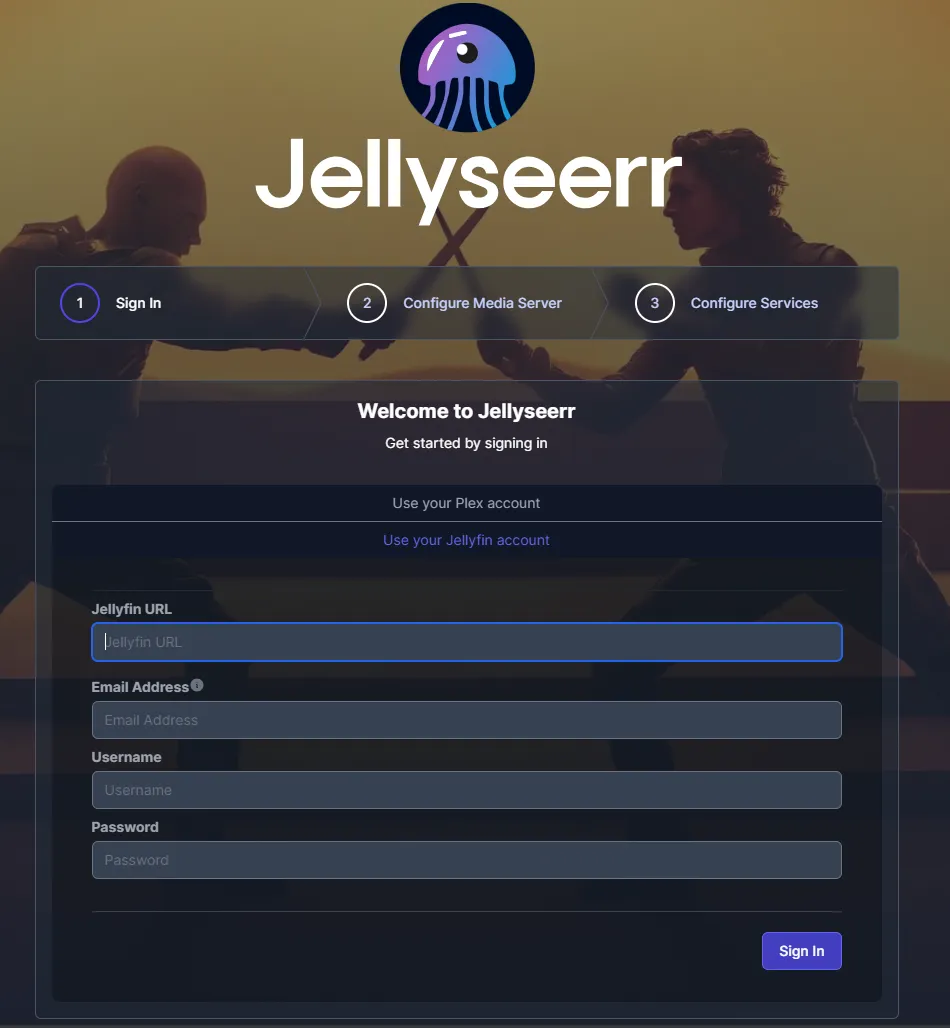
Section titled “seerr Initial Setup”- Select “Use your Jellyfin account” and fill in your Jellyfin URL, Email address
- Define a user to be used for administrative purposes in seerr and click next.
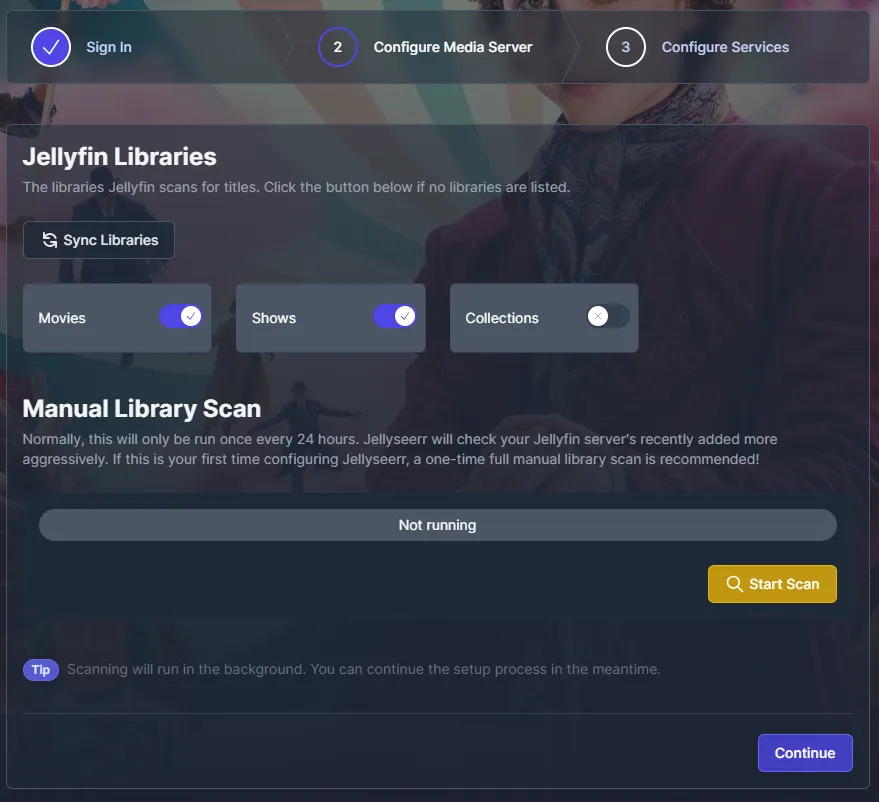
- Sync your libraries automatically and enable any libaries you want Jellyseer to be able to access.
- Perform a manual scan and click next after it finishes.
- Configure your existing Sonarr/Radarr services you wants to use and click “Finish Setup”.
Migrating Sqlite to Postgres(CNPG)
Section titled “Migrating Sqlite to Postgres(CNPG)”Create a temp sidecar as below and add targetSelectAll: true to the config storage to allow the sidecar to access the data to read the db and migrate the data.
Check the logs for the container and verify the postgres data was populated, you can install another chart pgadmin to validate the database if needed. You can remove the migrate sidecar, migrateImage and targetSelectAll: true after confirming the data is migrated.
    migrateImage:      repository: ghcr.io/ralgar/pgloader      pullPolicy: IfNotPresent      tag: pr-1531@sha256:e5ae0b8149058828938d0f14ccc1f793171db8c4c8b69b7b6b45dfd998f0149f
    workload:      main:        podSpec:          containers:            # main:            migrate:              enabled: true              imageSelector: migrateImage              probes:                liveness:                enabled: false                readiness:                enabled: false                startup:                enabled: false              args:                - pgloader                - --with                - "quote identifiers"                - --with                - "data only"                - /app/config/db.sqlite3                - "{{ .Values.cnpg.main.creds.std }}"
    persistence:      config:        enabled: true        targetSelectAll: true
Support
Section titled “Support”- For further information on seerr itself, start with their Github.
- For further information on operating Overseerr itself, start with their Documentation.