
Setup Guide
seerr is a free and open-source software application for managing requests for your media library. It is a fork of Overseerr, built to bring support for Jellyfin and Emby media servers!
App Installation
Section titled “App Installation”- Most of the settings can be left at their default values, but ensure that you have set the correct timezone.
seerr Initial Setup
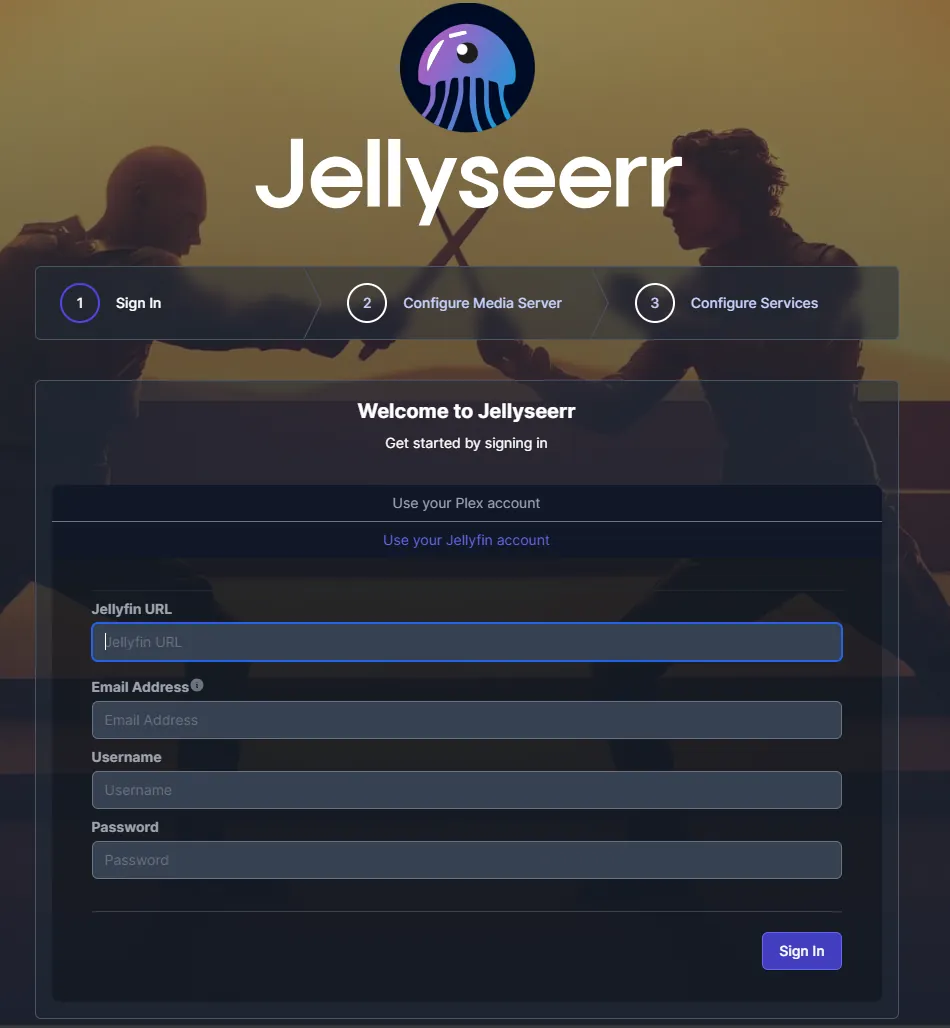
Section titled “seerr Initial Setup”- Select “Use your Jellyfin account” and fill in your Jellyfin URL, Email address
- Define a user to be used for administrative purposes in seerr and click next.
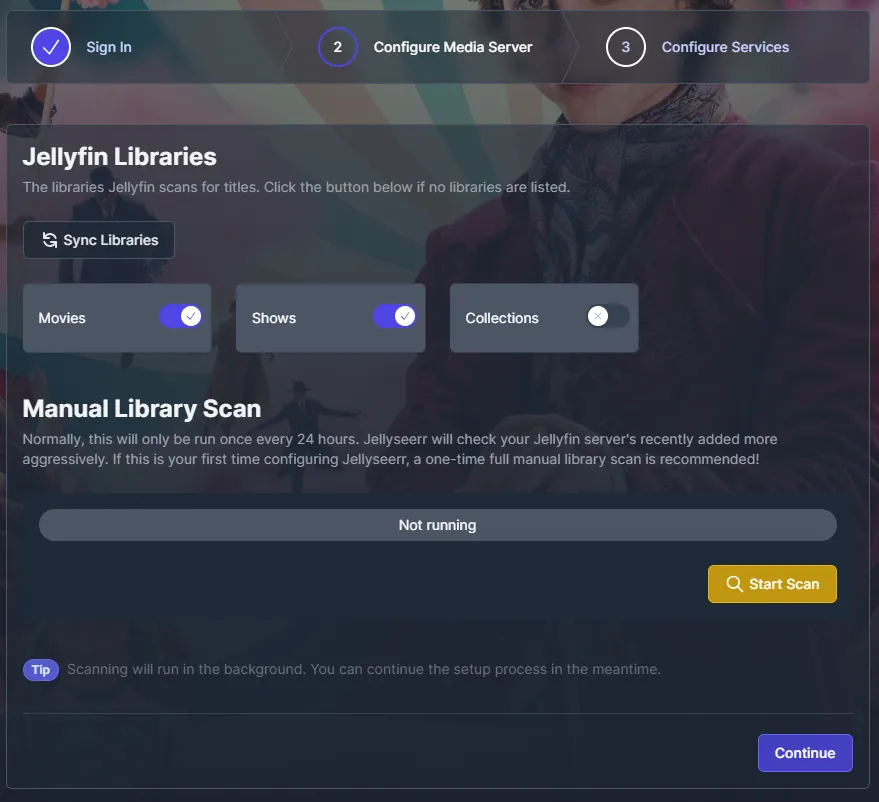
- Sync your libraries automatically and enable any libaries you want Jellyseer to be able to access.
- Perform a manual scan and click next after it finishes.
- Configure your existing Sonarr/Radarr services you wants to use and click “Finish Setup”.
Support
Section titled “Support”- For further information on seerr itself, start with their Github.
- For further information on operating Overseerr itself, start with their Documentation.